 Phena
Your game library
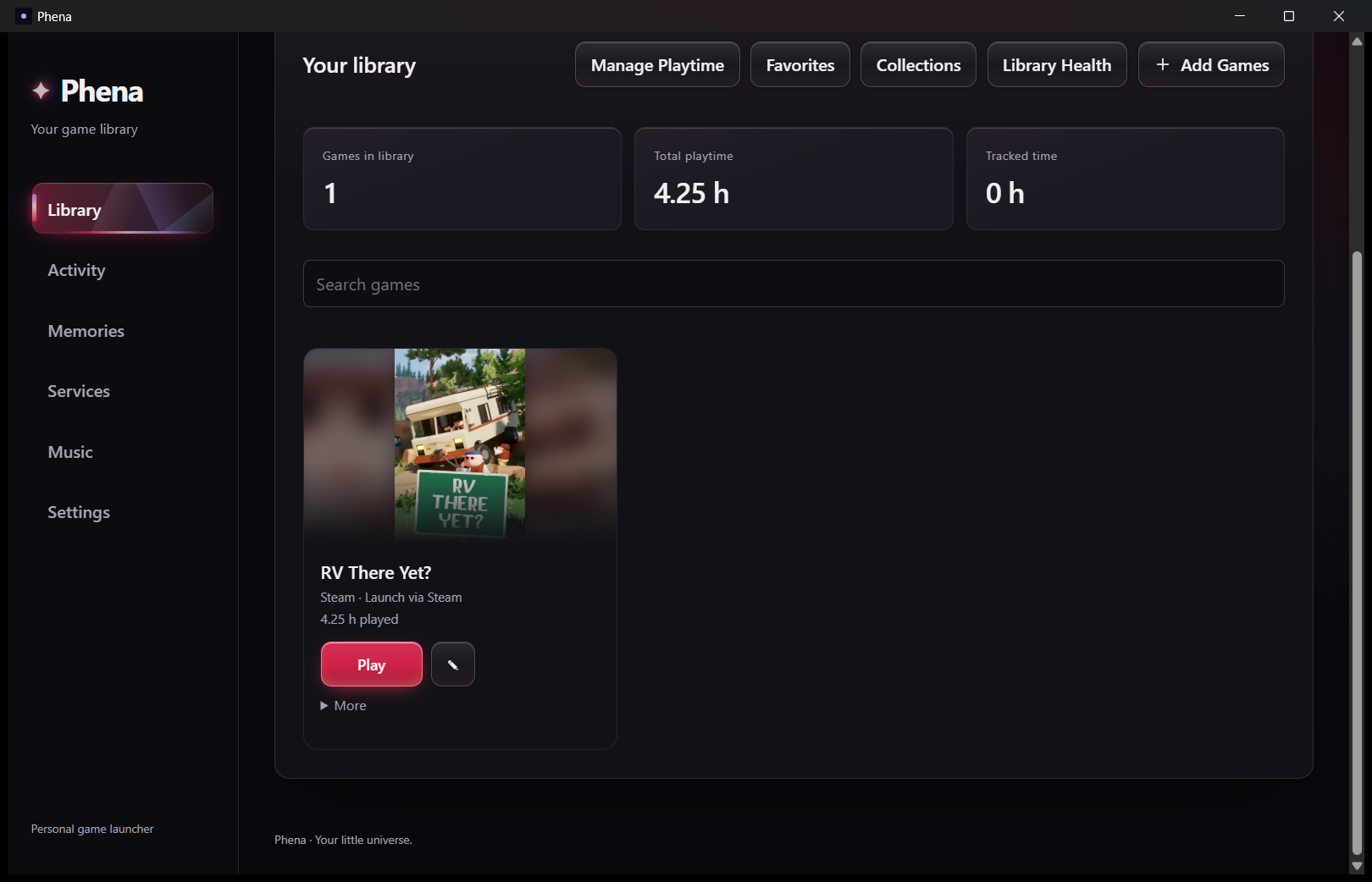
Organize your collection, mark favorites, and choose the artwork you see when you open your library.
Phena
A game launcher designed around you. Keep your library, playtime, and favorite moments close.
 Coming soon
Explore Phena
The first public release will be available on GitHub.
Features
Keep the things you come back for close at hand.
Organize your collection, mark favorites, and choose the artwork you see when you open your library.
See the time you’ve spent with your games and revisit linked captures in Memories.
Preview how backgrounds, glass, and edge lighting work together, then save the appearance you like.
Experience
Choose a background for your library. Tune the glass surfaces and edge glow in Glass Studio, and preview your changes as you go.
Roadmap
Download
The public installer will be available through GitHub Releases once it’s ready.
Coming soonFAQ
Phena has no public installer yet. When the first build is available, the download link will lead to the official GitHub Releases page.
The desktop app is in development for Windows 11. Supported Windows versions and installer requirements will be confirmed with the public release.
The desktop app stores library data and preferences in a local profile. The site has no sign-in.